Why track your farming
Map juicing costs are real: Waystones, Tablets, tree investment. Without tracking, it can be difficult to tell whether any of it pays off. Recording your runs turns that guesswork into strategy:
- See what your loot is worth. Juice Tools gives you a clear "Divine Equivalent" metric that calculates based on live market data for each individual drop. That means all your omens, essences, etc., condense down to a single understandable unit.
- Spot profitable strategies. See which map types, mechanics, and tiers earn the most for yourplaystyle, not a streamer's.
- Compare loadouts head-to-head. Find out whether that expensive Tablet combo really beats a cheaper one.
- Measure tablet ROI. Know if a mechanic is worth its investment before you buy ten more.
- See yourself improve. Watch your efficiency climb over time as you refine your setup.
The payoff: you stop running on vibes and start farming with evidence.
How to juice a map with Juice Tools
Here's how to capture all of that, run by run:
Pick your profile & league. Select the character profile you're farming on and the current league so your runs are scoped correctly.
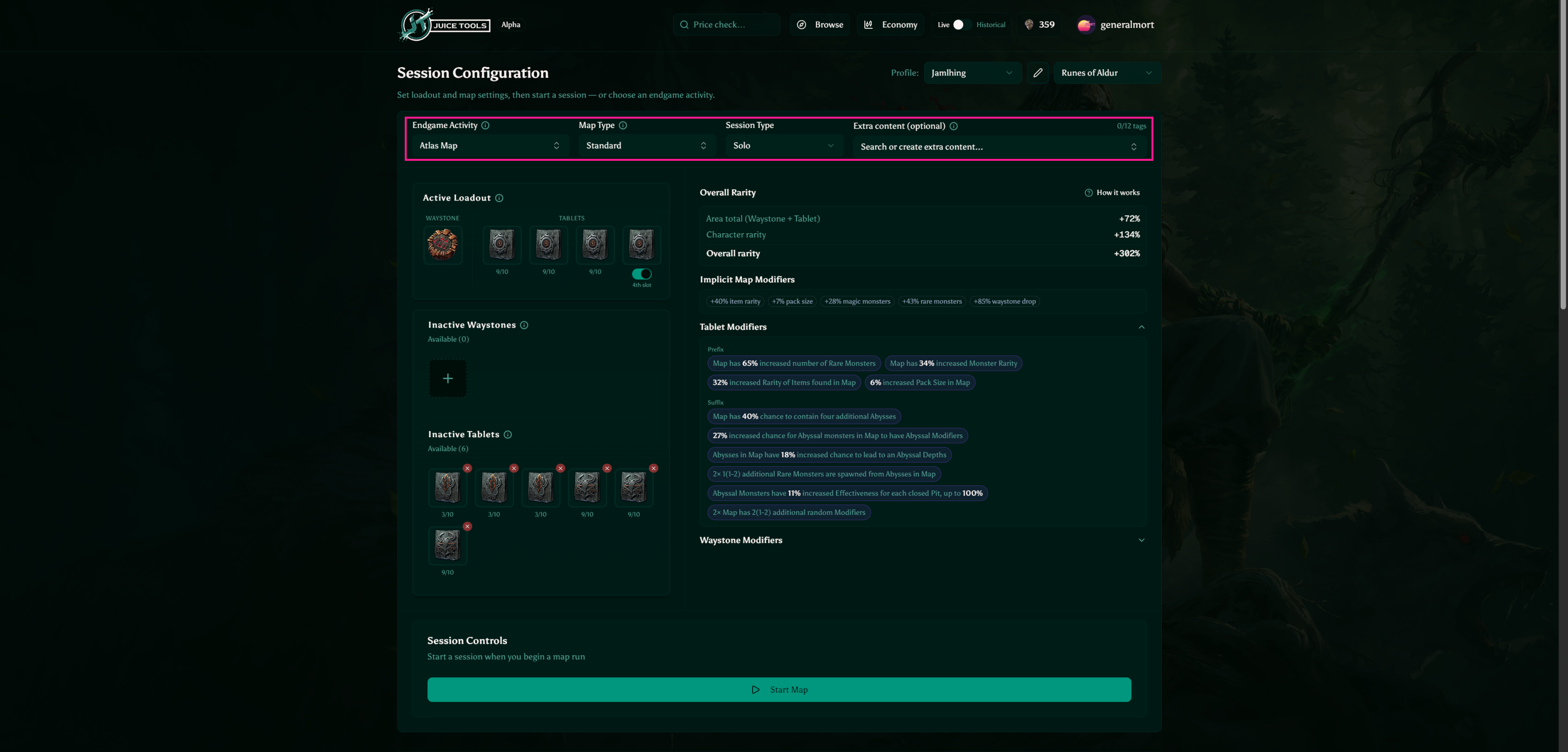
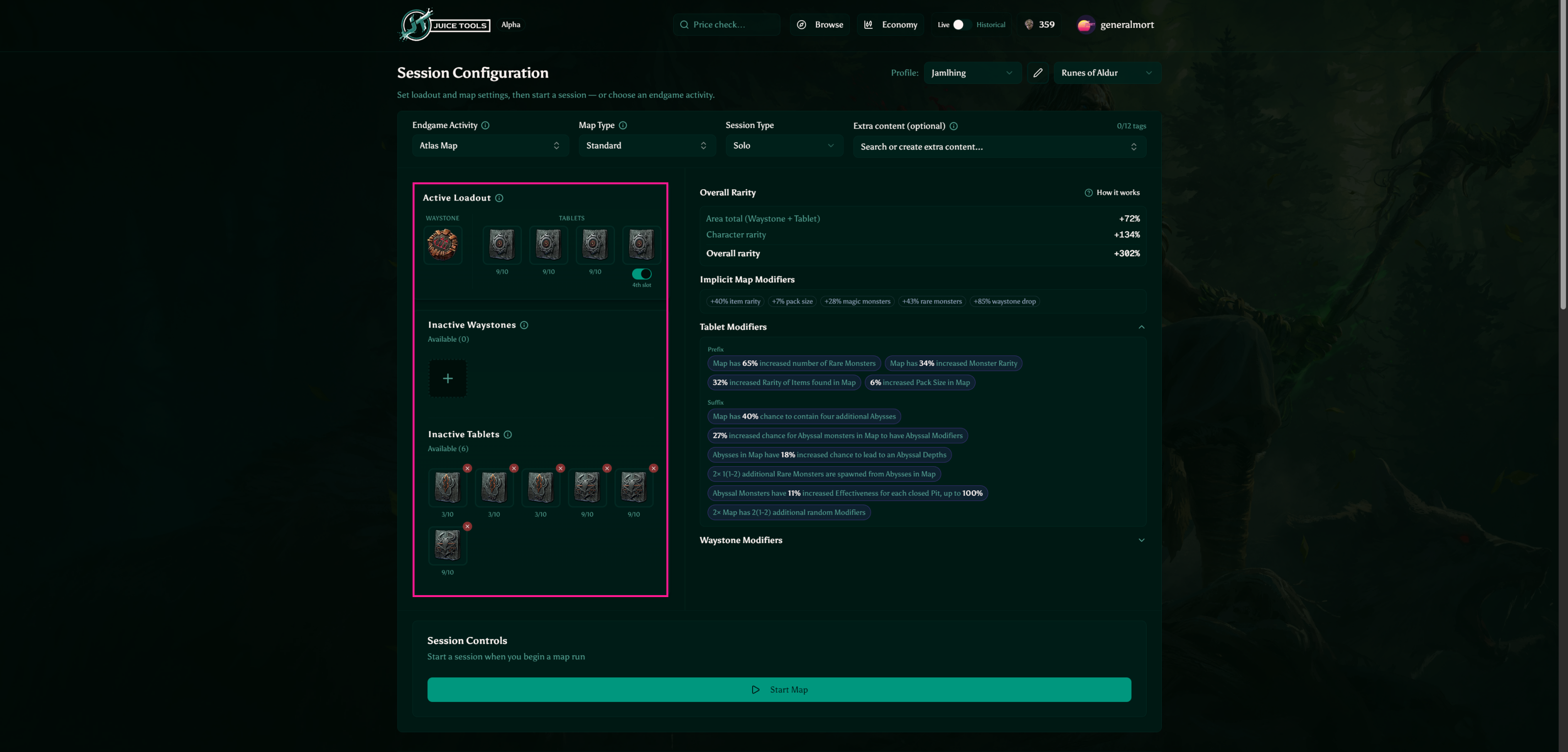
Set your loadout. Paste your Waystone into Juice Tools and it parses the tier, rarity, and every modifier automatically; then add the Tablets you're running on this map (up to 3, or 4 in a City biome). Your Current Loadout carries both between runs, so you only re-paste when you swap.
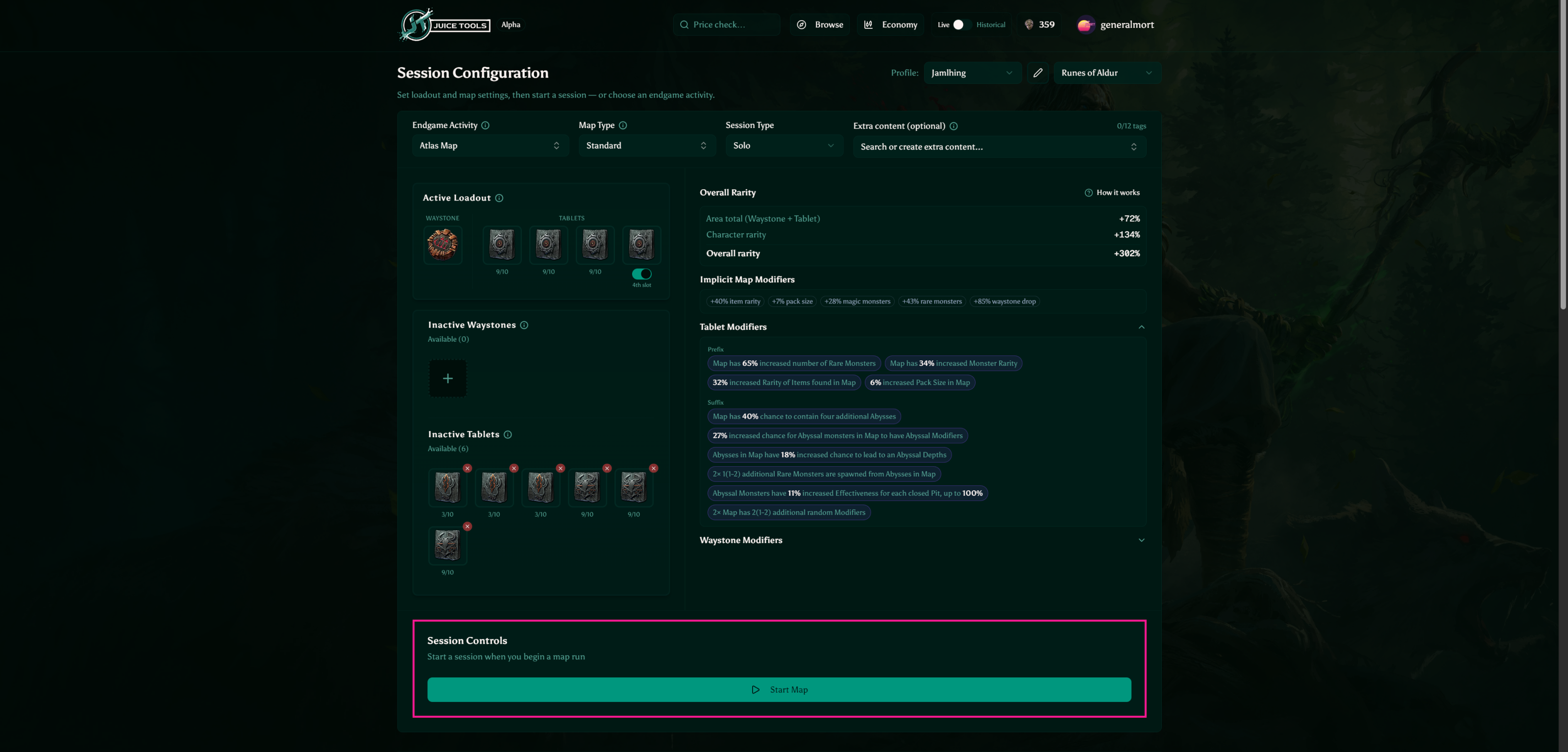
Start the session. Hit Start Map; the timer begins and your loadout locks so it reflects exactly what you ran.
- Run the map. Play normally. Juice Tools stays out of the way until you're done.
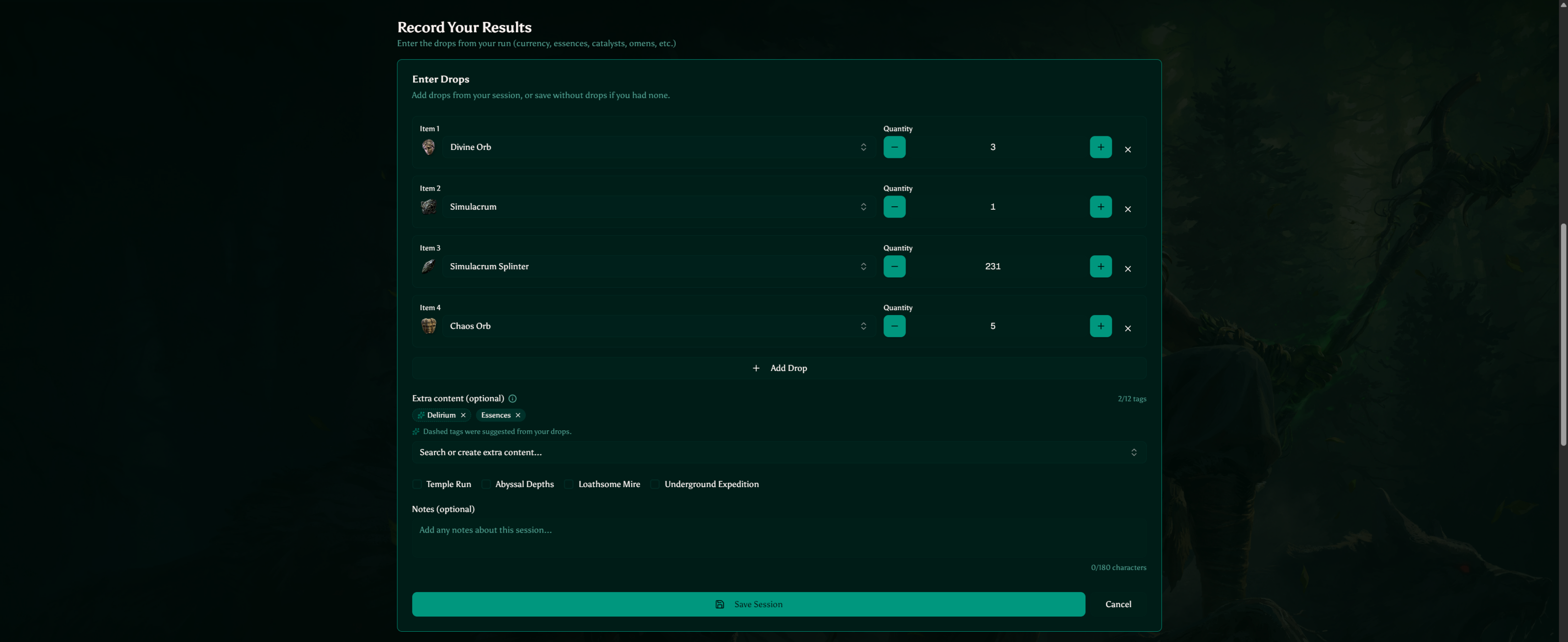
Record your drops. End the session, mark the outcome, and log what you earned using the searchable, priced item list.
Analyze. Your session feeds the dashboard (Divine/hour, best maps, and tablet performance) so you can see which juicing choices actually paid off.

That's the whole loop: set your loadout, run, record, review. Fire up your first session and let the data guide you.
New to juicing itself? Start with How Map Juicing Works in Path of Exile 2.